

 YouTube
ONE VIDEOSEVEN NEW SHORTS
Snipelo · AI video clipper
Turn long videos into standout shorts
Snipelo turns long videos into captioned shorts you can edit and export.

Used by teams at
YouTubeTikTokInstagramLinkedInSpotifyFacebookX / TwitterTwitch
Introducing AI Reframe
Turn landscape videos into platform-ready vertical clips. Snipelo follows the speaker and keeps every important moment centered automatically.
Turn every upload into a week of shorts.
Keep your audience active with polished, platform-ready clips created from the videos you already make.
CUT THE PAUSESKEEP THE POINT
ADD B-ROLLKEEP IT MOVING
FIND THE MOMENTMAKE IT LAND
REFRAME FOREVERY PLATFORM
CAPTIONS THATFEEL ON BRAND
READY TO POSTIN MINUTES
Your workflow
Go from raw footage to finished shorts in one place.
Automation handles the repetitive work. You keep control of the creative decisions.

Upload your video
Paste a YouTube link or upload a video file without rebuilding your workflow.

Find the best moments
Transcription, topic changes, quality scoring, and speaker activity surface complete ideas.

Apply your style
Set framing, caption presets, typography, colors, logo, and timing per clip.

Export and publish
Render the current edit on the backend and download the finished MP4.
Platform
Every feature you need to make short clips, fast.
Snipelo automates the tedious parts of editing while keeping every creative decision in your hands.
Smart clip generation
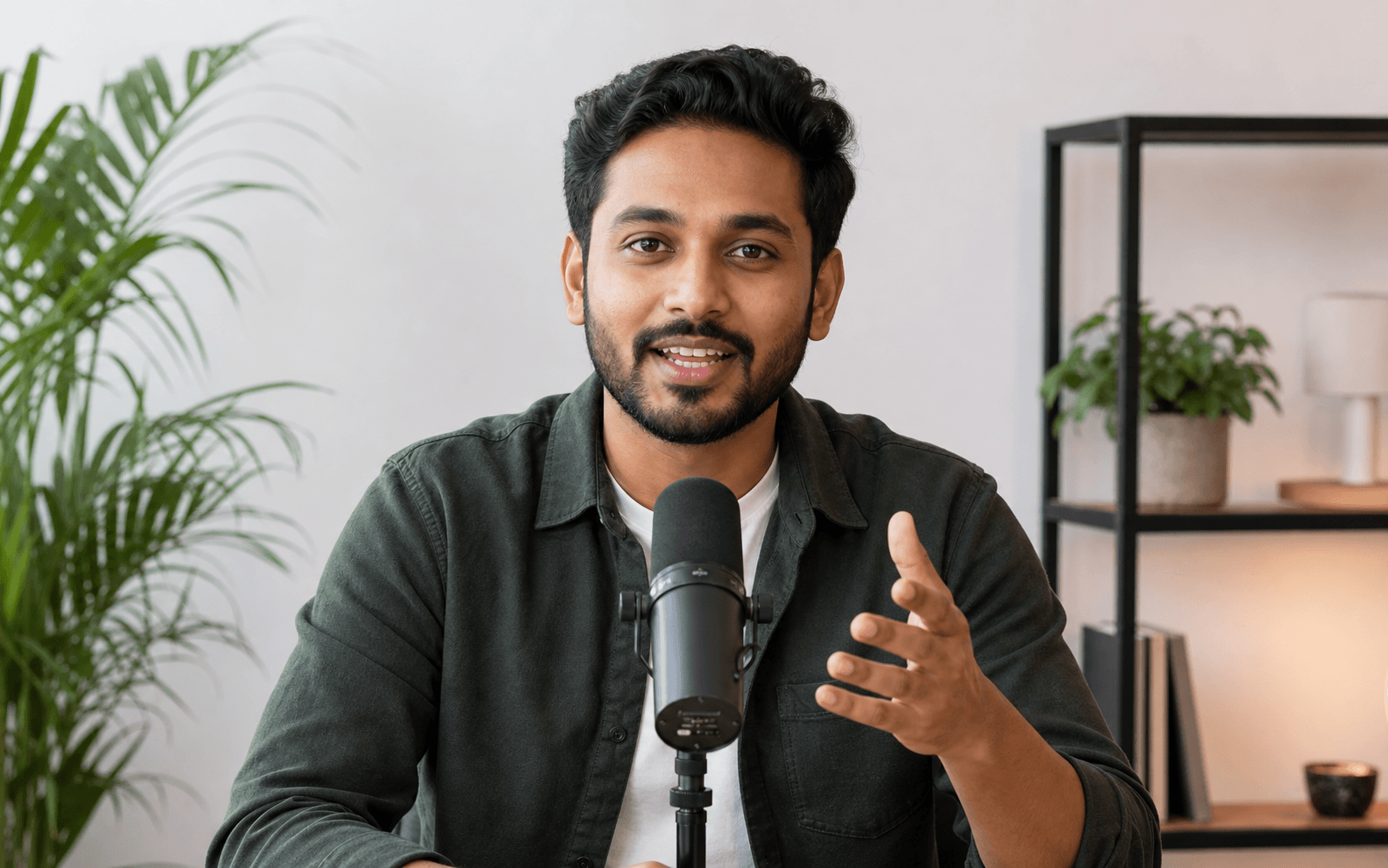
Turn long videos and podcasts into focused short clips without searching through the full recording by hand.
Try it in SnipeloFind exact moments
Surface complete ideas, standout quotes, and high-signal moments that are ready to shape into a short.
Try it in SnipeloAutomatic captions
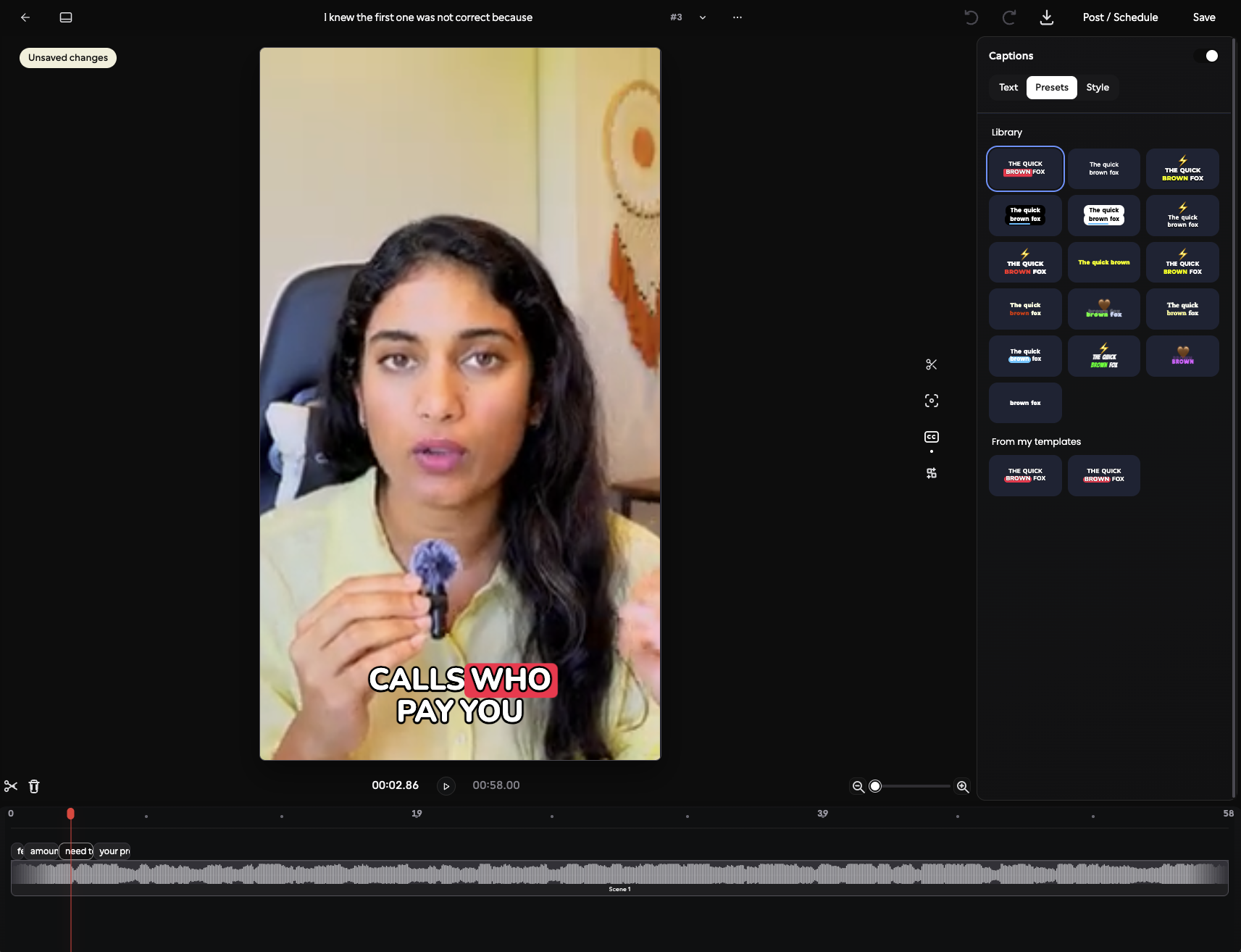
Generate word-timed captions, then customize the type, color, stroke, background, and animation style.
Try it in SnipeloAI reframing
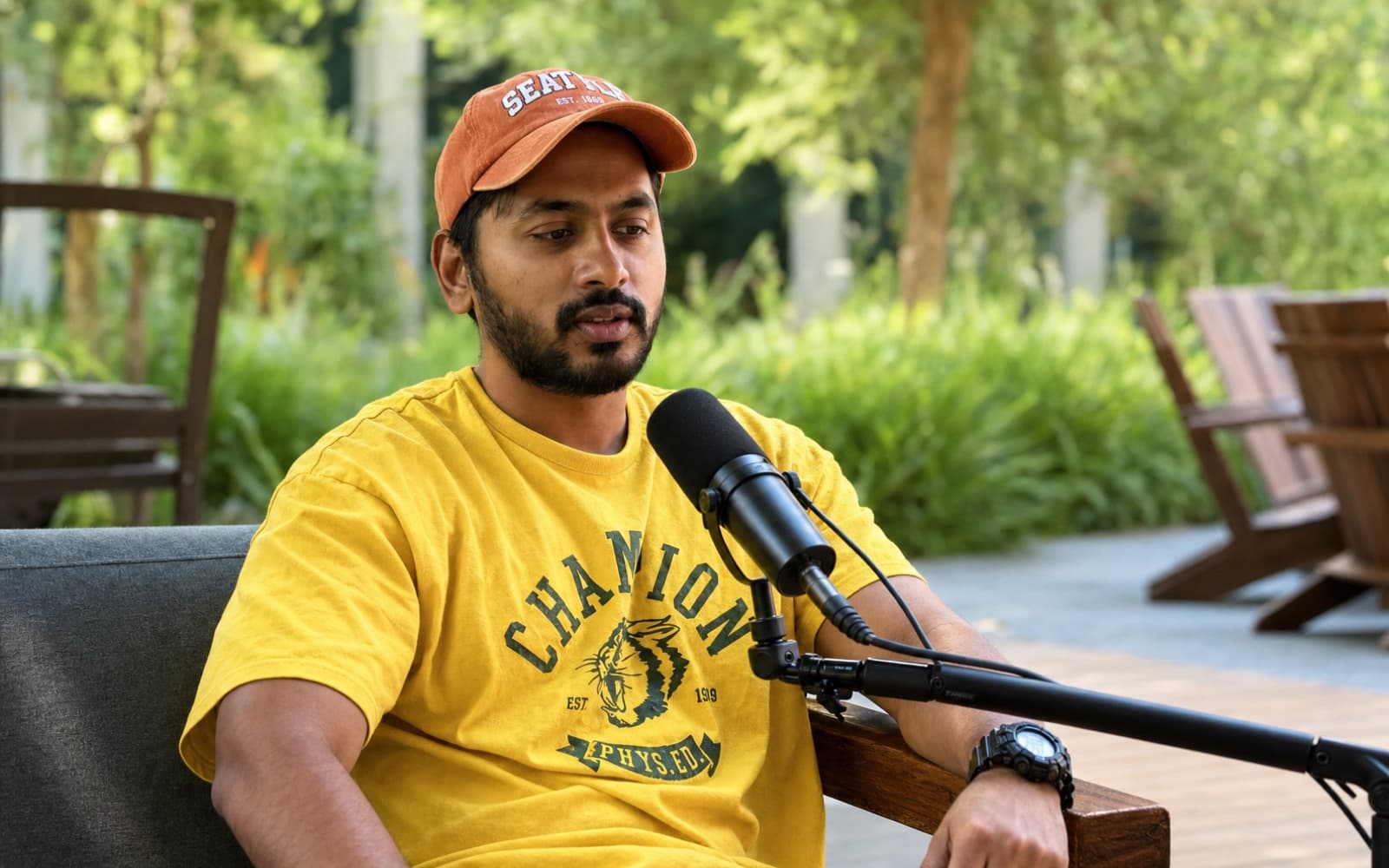
Convert landscape footage to vertical video while keeping the most important subject in frame.
Try it in SnipeloActive-speaker tracking
Follow the conversation as speakers change so podcasts and interviews always feel intentionally framed.
Try it in SnipeloTranscript-based editing
Refine a clip from its transcript and timeline instead of hunting for every cut in a traditional editor.
Try it in SnipeloPer-clip brand controls
Keep caption styling, logo placement, crop, and timing choices attached to every individual clip.
Try it in SnipeloRender and publish
Export the exact edit you reviewed, download the finished MP4, and prepare it for every channel.
Try it in SnipeloAI editor
Start with AI. Finish with your own judgment.
Open any generated clip and fine-tune the cut, captions, crop, logo, and timing. Settings stay attached to that clip and are used by the backend renderer.
- Edit by transcript and timeline
- Preview caption styles as you work
- Download the rendered result directly
FastParallel processing stages
PreciseWord-level caption timing
FlexiblePer-clip styling controls
DirectRendered MP4 downloads
FAQ
Questions, answered.
What kinds of videos can I use?
Paste a supported video link or upload a video file. Talking-head videos, interviews, podcasts, lessons, and multi-speaker footage work especially well.
Can I change the clips before exporting?
Yes. Every generated clip opens in the editor, where you can adjust cuts, captions, framing, logos, and timing.
Are my editor settings kept per clip?
Yes. Each clip keeps its own editing state, so switching between clips does not reset your work.
How is the final video rendered?
The frontend sends the current editor settings to the backend. Rendering happens there, and the completed MP4 downloads in the browser.
Made with ♥ by Deepak Podili Devendra